From your demo to your first check‑in
About a day: we open your hotel and move your data across from your old system, usually in 3 to 4 hours. Here is what happens, and what you need at the hotel.

A checklist on the front desk ticks these off as you go.
Step 1: We open your hotel and move your data
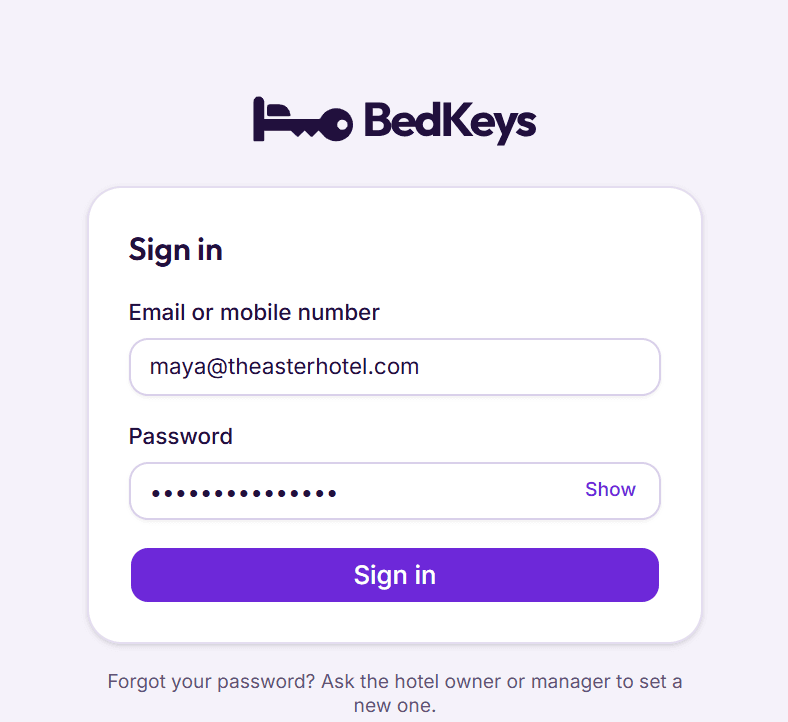
Within a day of your order we create your hotel in BedKeys, give the owner a sign‑in, and bring your rooms, rates, guests and bookings across from the system you use now.
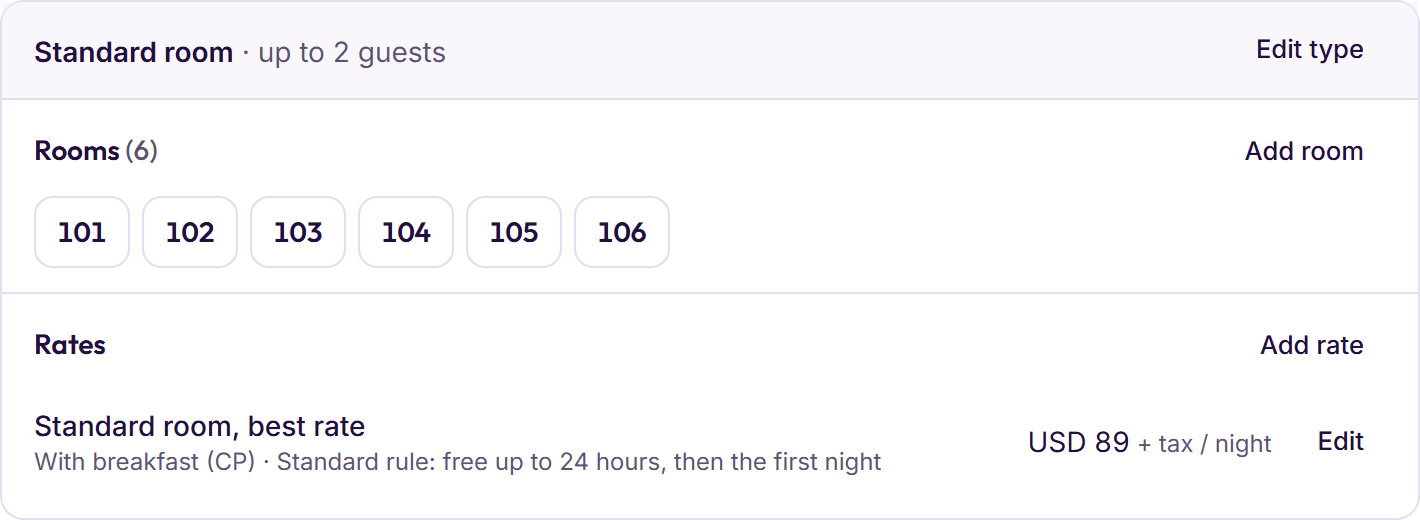
Step 2: Check your rooms and rates
Your room types, rooms and rates arrive from your old system. Check them, or add more: rooms in a run such as 101 to 110, and a price per night for each rate, with tax included or added on top.
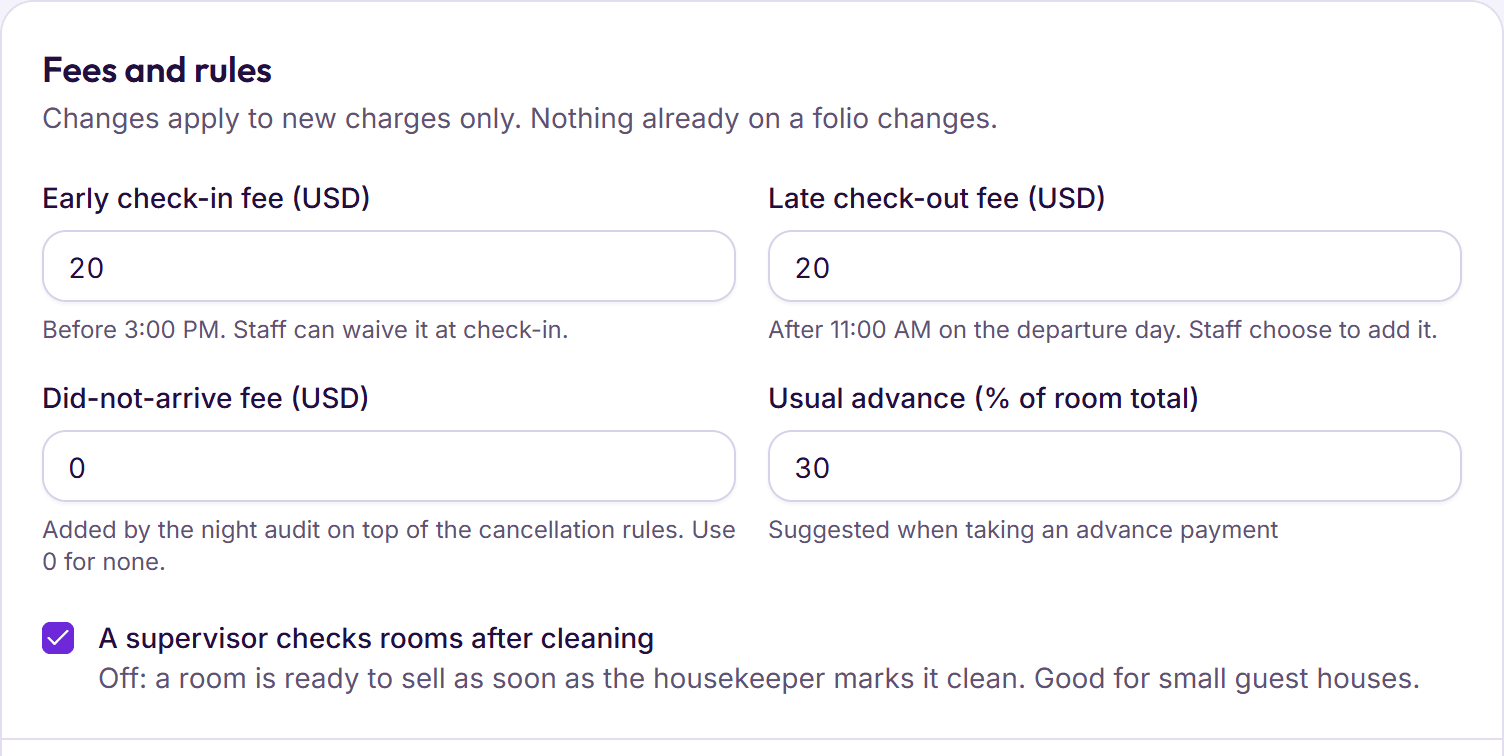
Step 3: Set your taxes and house rules
Your tax rates for each kind of charge, check‑in and check‑out times, the usual advance, and fees for early check‑in, late check‑out and guests who don’t arrive.
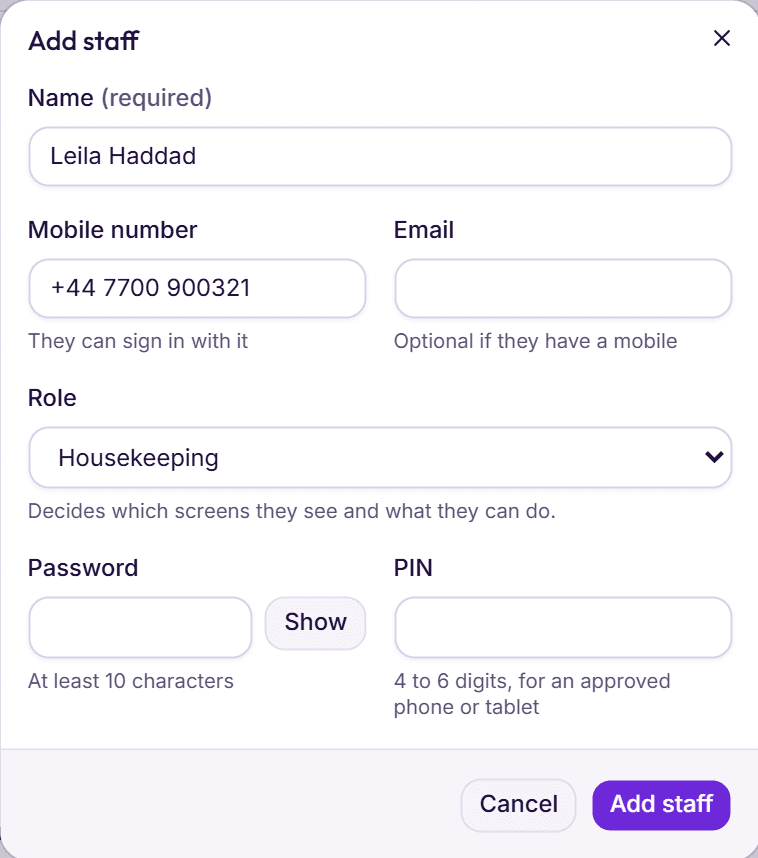
Step 4: Add your staff
Give each person a role and a password, or a PIN for housekeeping and the restaurant. Then approve the phones housekeeping will use.
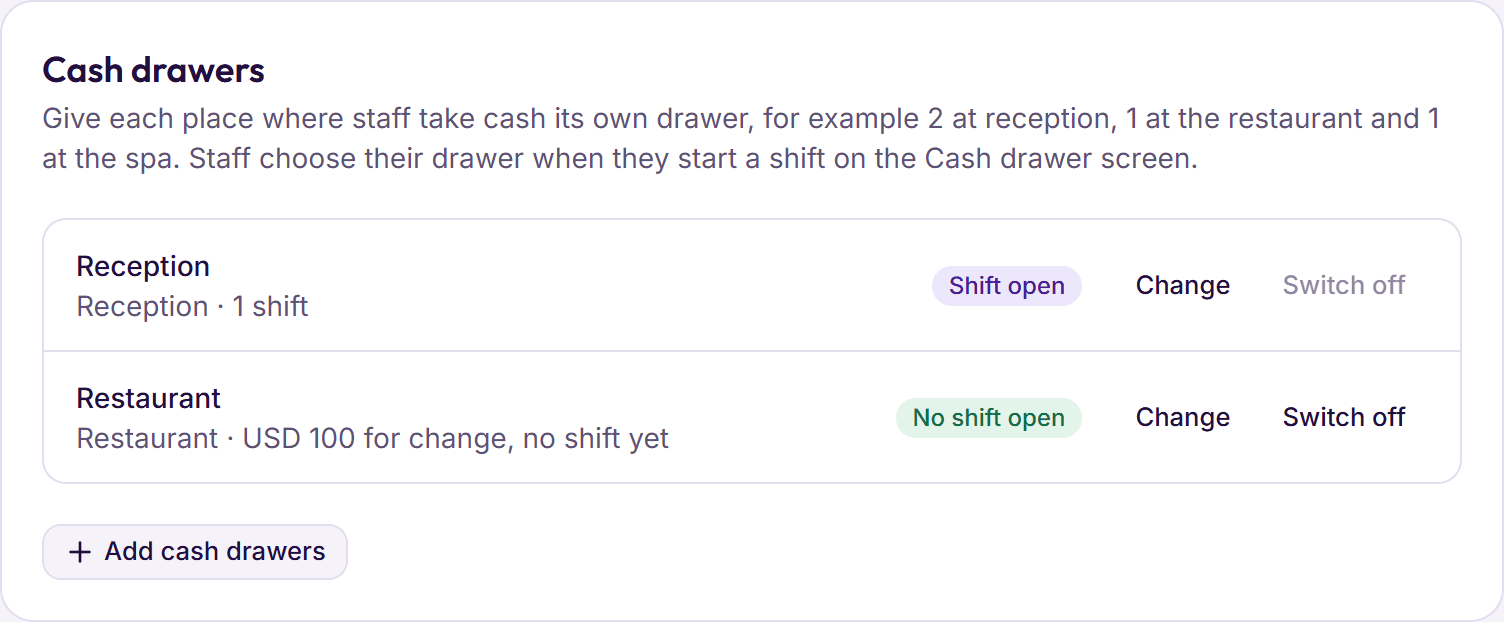
Step 5: Set up the cash drawers
One at reception, one in the restaurant, or wherever else cash changes hands, each with cash for change.
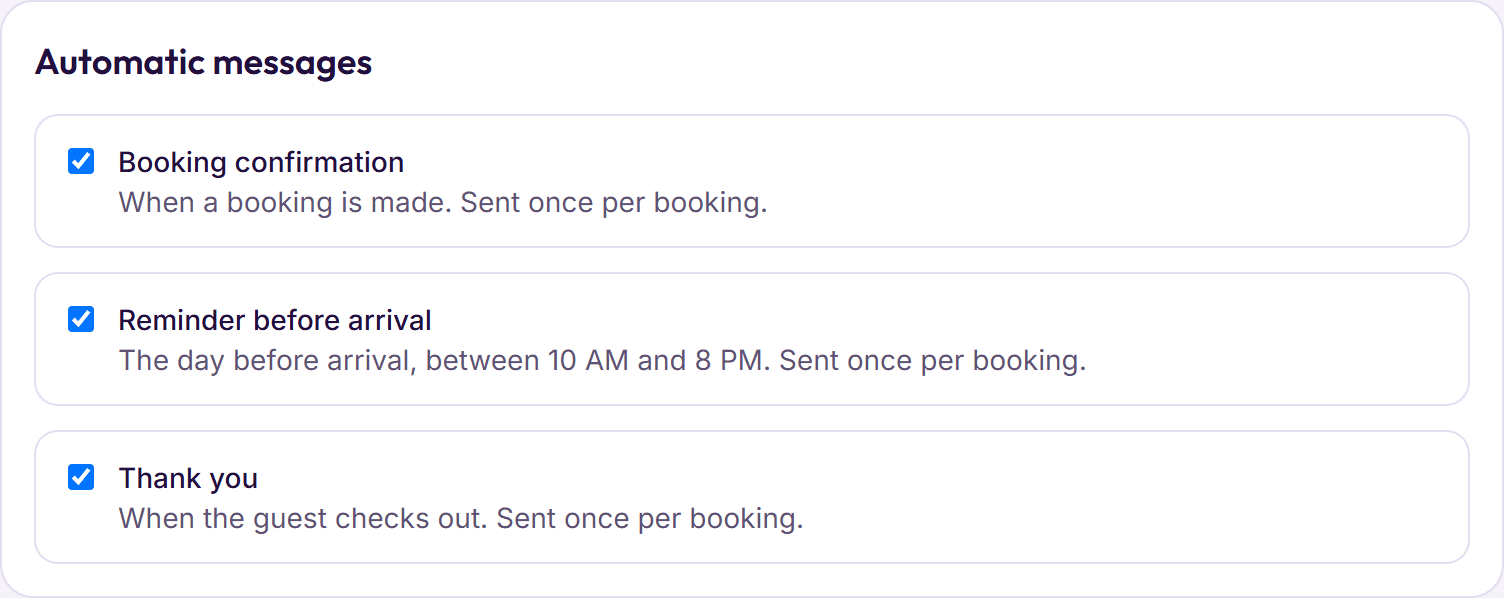
Step 6: Connect what you already use
Connect your WhatsApp and email, set up your booking page on BedKeys Direct, and add your menu and tables if you run a restaurant.
Your hotel, opened for you
We create the hotel and the owner’s sign‑in.
Your data, moved across
We bring your rooms, rates, guests and bookings over from your old system, usually in 3 to 4 hours. Your hotel is ready within a day.
Training for your staff
We train your staff on a call.
Support once you are live
A person on our team, by WhatsApp, phone or email.
A computer at the desk
Any PC or laptop with an up‑to‑date Chrome, Edge, Safari or Firefox. There is nothing to install.
Internet at the desk
BedKeys works online. Housekeeping phones keep their taps when the signal drops.
Phones for housekeeping
Any phone with a web browser. A team can share one, each person with their own PIN.
A printer
Any printer the browser can use, for folios and registration cards, plus an 80 mm receipt printer for a restaurant.
Your card machine
Keep the one you have. Card payments are recorded against it in BedKeys.
Your hotel’s details
Your address, phone, tax numbers and tax rates, so they print on every folio and invoice.